March 12, 2026
How to Choose a Laptop for Creative Work
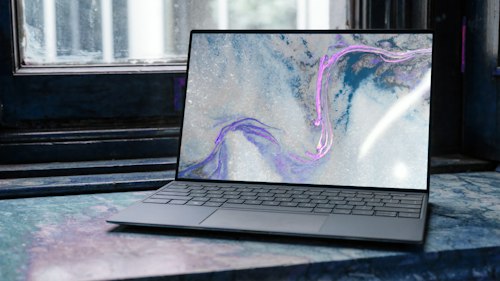
Creative professionals need more than raw clock speed. Start with display coverage: look for at least 100% sRGB or DCI-P3 for color-accurate photo and video work. RAM matters—16GB is a practical minimum for multitasking across design apps, while 32GB future-proofs heavier timelines. SSD storage keeps project libraries snappy; prioritize NVMe drives with ample capacity for asset libraries.
GPU selection depends on your toolchain. Integrated graphics handle light editing, but dedicated GPUs accelerate renders and effects. Don't overlook thermals and fan noise if you edit on the go. Finally, port selection affects your desk setup—USB-C with DisplayPort Alt Mode reduces dongle clutter.
Shop laptops →